
Please follow the directions below in order to download and run our application that will allow us to diagnose and solve your computer problems.
Following the directions below will allow you to download and automatically install the application. Once we are complete and you close the application, it will automatically uninstall and remove itself from your computer
- Click Here to download the helper application
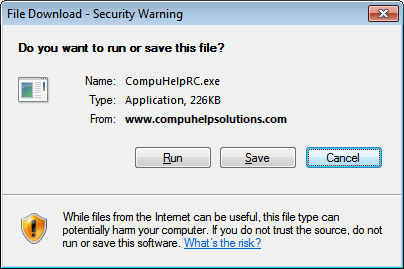
- When the window below appears, click the "Run" button
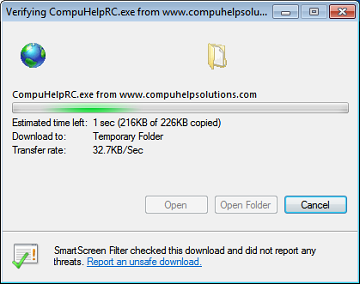
- You will then see a window similar to the one below.
- If your computer runs Windows Vista or Windows 7 you will be prompted with a User Account Control window asking you to allow the program UltraVnc Self-Extract Setup to make changes. Click "Yes".
- At this point, the application will connect wtih our computers and we will be able to see your computer desktop in order to resolve your problems.